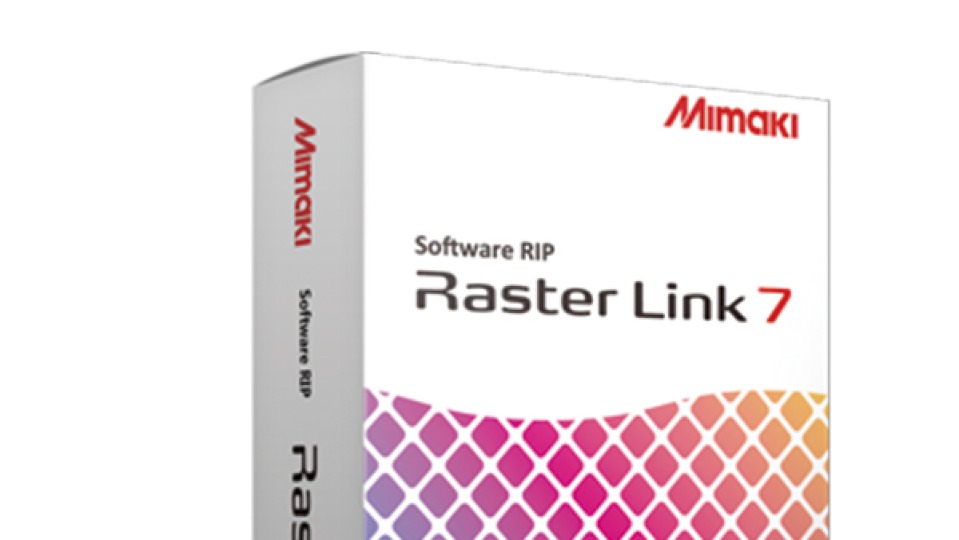
Marc Verbeem, Supervisor of Product Management at Mimaki Europe says, "Today’s printing industry is full of innovative and advanced technologies. From high-speed printing capabilities to robotics to sustainable inks, it is an exciting time for the sector. However, for all its advancements, hardware cannot operate on its own. This is why having equally advanced software, such as Mimaki’s RasterLink7, is essential to the modern printing workflow." In his blog for Mimaki he reminds us that the RIP is the bridge between the digital file and the printer, acting as the brain of the printer by processing and translating the file into a format the printer can understand.
RasterLink7 boasts several features that elevate it from simple RIP software to a powerful tool that can be used to enhance all aspects of the printing workflow. The software includes ‘New Profile Manager’ that allows users to create and manage device profiles for different media types, making it easier to achieve the best results for each print job. The ‘Layout Preview’ feature provides a visual representation of print jobs directly on the screen, simplifying final confirmations before printing. Moreover, the ink-saving functionality reduces ink consumption by up to 30% without compromising colour balance, offering substantial cost savings. RasterLink7 also supports 2.5D printing, previously exclusive to flatbed printers and now available on roll-to-roll printers, expanding creative possibilities. The software’s ‘Cutter Support’ feature integrates directly with cutting plotters, allowing seamless print-and-cut operations. Additionally, the ‘Lab Colour Chart’ enables precise colour matching, ensuring that colours are rendered exactly as intended. These features, along with the ability to estimate ink consumption and manage advanced print effects like multilayer printing and watermarking, make RasterLink7 a comprehensive solution for modern printing needs.




Login
New User? Signup
Reset Password
Signup
Existing User? Login here
Login here
Reset Password
Please enter your registered email address. You will recieve a link to reset your password via email.
New User? Signup
Currency Exchange Graph